
How to Build Production-Ready AI Agents with n8n and Claude
A practical guide to taking n8n and Claude workflows from 'it worked when I tested it' to resilient, cost-controlled, production-ready AI agents.
- Discipline:AI Automation
- Reading Time:11 min read
- Code Standards:100% Production Tested
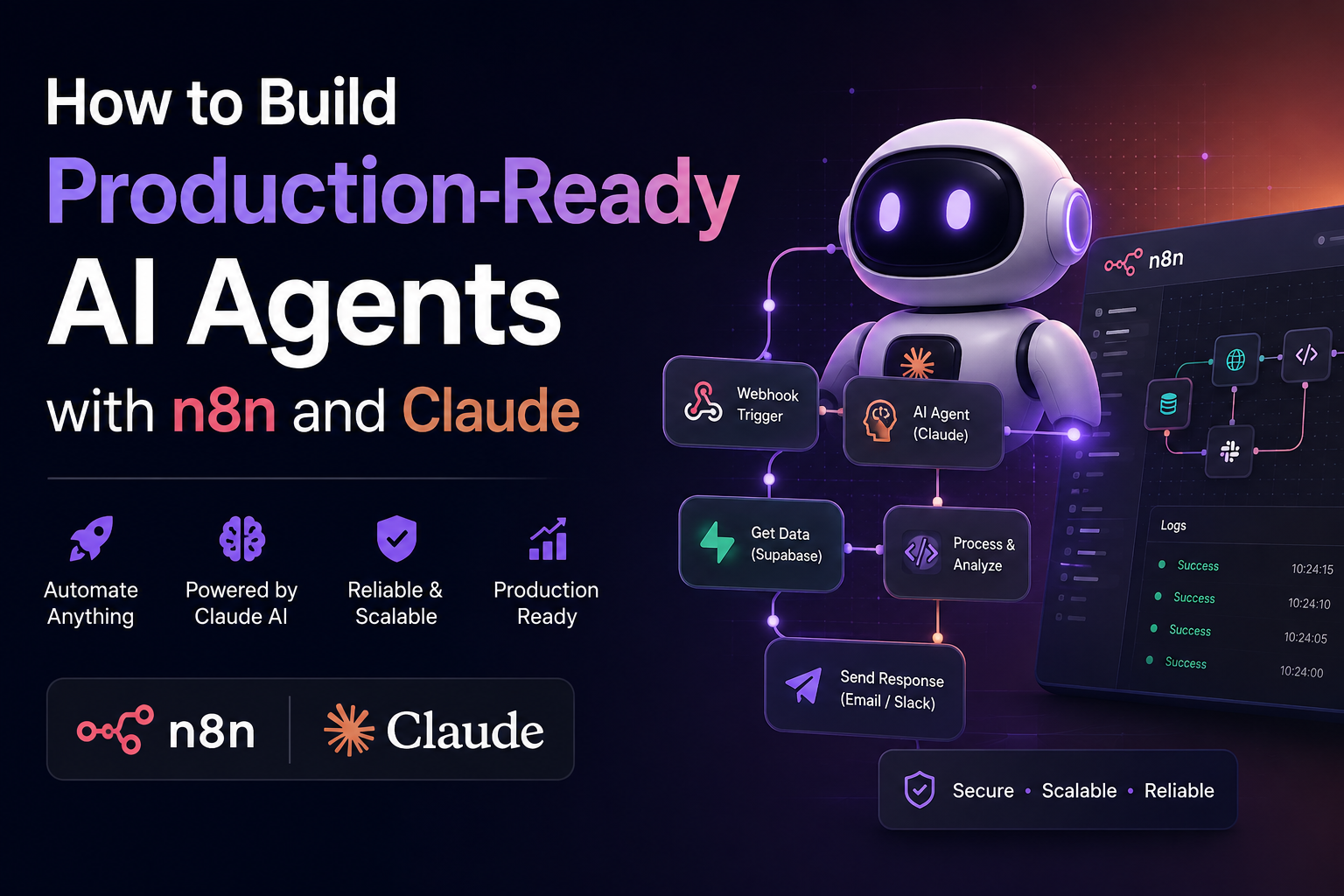
There's a wide gap between an AI agent that impresses people in a demo and one that survives real users, real traffic, and real edge cases. Most tutorials show you the first kind: a single happy-path workflow, a clean test prompt, a screen recording where nothing goes wrong. Nobody shows you what happens when the API rate-limits you at 2am, or when a user pastes in something your prompt never anticipated.
This guide is about the second kind. If you're building on n8n with Claude as the reasoning engine, here's how to take a workflow from "it worked when I tested it" to something you can actually put your name on.
Why Most Agents Break the First Week
A demo only has to work once. Production has to work every time, including the times you're not watching. The failures that take down real agent workflows are rarely about the model being "wrong." They're almost always infrastructure problems wearing an AI costume:
- No retry logic, so a single rate-limit response kills the whole run
- No validation on what the model returns, so a malformed response crashes three steps downstream
- No cost ceiling, so a looping agent burns through your token budget overnight
- No logging, so when something breaks you have no idea what the agent actually saw or decided
┌───────────────────────────────────────────────────────────────────────────┐
│                    DEMO PROTOTYPE VS PRODUCTION AGENT                     │
├─────────────────────────────────────┬─────────────────────────────────────┤
│ ❌ 2AM FRAGILE DEMO                 │ ✅ RESILIENT PRODUCTION ARCHITECTURE │
├─────────────────────────────────────┼─────────────────────────────────────┤
│ • Unvalidated Raw Webhook Ingestion │ • HMAC SHA256 Signature + Rate Limit│
│ • Unbounded Context Prompt          │ • Sanitized Input + Schema Guardrail│
│ • Single Direct API Call (No Retry) │ • Exponential Backoff on 429 Errors │
│ • Blind DB Write from Model Output  │ • Schema Validation + Fallback Gate │
│ • Silent Failure / Broken Pipeline  │ • Structured Sentry & Slack Logs    │
└─────────────────────────────────────┴─────────────────────────────────────┘
None of these are Claude problems or n8n problems. They're the same problems every backend engineer has dealt with for twenty years, just showing up in a newer wrapper. The fix is the same too: build the boring stuff first.
Pick the Right Pattern Before You Build Anything
n8n gives you a few different ways to plug Claude into a workflow, and picking the wrong one is where a lot of projects go sideways early.
                  WORKFLOW PATTERN SELECTION MATRIX
                                 │
                Does the task need multi-turn reasoning
                 and dynamic runtime tool execution?
                                ╱ ╲
                              YES  NO
                              ╱     ╲
        ┌────────────────────▼─┐   ┌─▼────────────────────┐
        │  AI AGENT PATTERN    │   │   LLM CHAIN PATTERN  │
        │                      │   │                      │
        │ • Support Triage     │   │ • Lead Classification│
        │ • Dynamic DB Tooling │   │ • Document Summary   │
        │ • Multi-Step Logic   │   │ • Field Extraction   │
        │                      │   │                      │
        │ 💰 Tokens: ~1,500/run│   │ ⚡ Tokens: ~350/run  │
        │ ⏱️ Latency: 2.5s-6s  │   │ ⏱️ Latency: 400ms-1s │
        └──────────────────────┘   └──────────────────────┘
1. Chat Model Node Inside an AI Agent
Use this when the task genuinely needs multi-step reasoning: the agent has to decide which tool to call, look at the result, and decide what to do next. This is the right choice for things like a support ticket triage agent that has to check a knowledge base, maybe escalate, maybe draft a reply.
2. LLM Chain (Prompt in, Text out)
Use this for anything that doesn't need the agent to make decisions mid-task. Summarizing a document, classifying a lead, extracting fields from an email. This pattern is cheaper and far more predictable because there's no multi-turn tool-calling loop that can wander off script.
The mistake I see most often is reaching for the full AI Agent pattern by default because it feels more "agentic." If your task is really just one well-structured prompt, an LLM Chain will cost less, run faster, and fail in fewer ways. Save the Agent pattern for tasks that actually need branching judgment.
3. MCP for Cross-System Work
If you want Claude (in Claude Desktop, Claude Code, or a hosted assistant) to reach into your n8n instance directly, n8n's MCP Server Trigger node turns a workflow into something Claude can call as a tool. Going the other direction, n8n's MCP Client Tool node lets your n8n AI Agent call out to external MCP servers.
                     MCP BIDIRECTIONAL ARCHITECTURE

 [ Claude Desktop / Cursor ] ──(MCP Server Trigger)──► [ n8n Workflow Engine ]
  Claude invokes n8n tool                               Executes DB & CRM logic

 [ n8n AI Agent Node ] ───────(MCP Client Tool)──────► [ Remote MCP Servers ]
  n8n queries tool data                                 pgvector / File System
Worth knowing: None of this makes n8n's own triggers wake Claude up on their own. A webhook or schedule still starts the workflow the normal way; MCP is about letting the two systems call each other mid-task, not about giving n8n a way to summon Claude unprompted.
Set Up the Foundation Correctly the First Time
Before you touch workflow logic, get three things right:
- Credentials: Store your Anthropic API key in n8n's credential manager, not hardcoded into a node or an environment variable you'll forget about. Go to
Settings → Credentials → Add Credential, search for Anthropic, and paste your key there. Every Chat Model, AI Agent, or LLM Chain node in your instance can then reference that one credential. - Pin your model version: Don't leave a workflow pointed at a generic model alias if you're relying on consistent output formatting or tool-calling behavior. Pin the specific dated model version you tested against. This is the single easiest way to avoid a workflow silently changing behavior after a model update you didn't ask for.
- Set explicit token limits: Don't rely on the node's default max tokens. Set it deliberately based on what the task actually needs. This does two things: caps your worst-case cost per run, and forces you to think about what "done" actually looks like for that call.
Handle Failure Like It's Going to Happen, Because It Will
A production agent needs a plan for what happens when the API says no:
- For rate limits (429 responses): Pair n8n's Error Trigger with a Wait node and build exponential backoff rather than an immediate retry. Hitting the same rate limit twice in a row a second apart doesn't fix anything, it just burns your retry budget faster.
- For malformed or unexpected model output: Validate before you act on it. If a downstream node expects a specific JSON shape, check for it before passing the data along instead of assuming the model always returns exactly what you asked for. Models are good at following instructions, not perfect at it, and "good" isn't good enough when the next step in your workflow is sending an email or writing to a database.
- For customer-facing systems: Decide up front what the fallback behavior is when the agent genuinely can't complete the task. A support agent that fails silently is worse than one that fails with "I couldn't resolve this, escalating to a human." Build that escalation path as a real branch in the workflow, not an afterthought.
// Sample n8n Code Node: Strict Schema & Action Gatekeeper
export default async function validateModelOutput(items) {
  const rawResponse = items[0].json.claudeOutput;

  try {
    const payload = JSON.parse(rawResponse);

    // Assert strictly typed contract fields
    if (!payload.intent || !payload.action || typeof payload.confidence !== "number") {
      throw new Error("Schema mismatch: Missing required contract keys");
    }

    if (payload.confidence < 0.85) {
      return [{ json: { route: "ESCALATE_HUMAN", reason: "Low model confidence", payload } }];
    }

    return [{ json: { route: "EXECUTE_ACTION", payload } }];
  } catch (err) {
    // Route cleanly to dead-letter queue without breaking execution
    return [{ json: { route: "ESCALATE_HUMAN", error: err.message } }];
  }
}
Watch Your Costs Before They Watch You
Agent workflows can burn tokens fast, especially multi-step ones where the model is reasoning across several tool calls per run. A few habits keep this under control:
- Check your usage dashboard weekly during the first month of any new workflow so you actually know your cost per run, not just your guess.
- Use the LLM Chain pattern instead of a full AI Agent for batch tasks that don't need multi-step reasoning; agents consume noticeably more tokens per run because of the back-and-forth.
- Set a hard max tokens ceiling per call so a single malformed loop can't quietly rack up a bill.
- Log token usage per workflow execution so you can spot the one workflow that's costing more than the other ten combined.
┌─────────────────────────────────┬──────────────┬───────────────┬────────────────┐
│ Workflow Architecture Pattern   │ Avg. In/Run  │ Avg. Out/Run  │ Cost / 1k Runs │
├─────────────────────────────────┼──────────────┼───────────────┼────────────────┤
│ Lead Enrichment (LLM Chain)     │ ~450 tokens  │ ~80 tokens    │ ~$0.85         │
│ Document Classifier (LLM Chain) │ ~2,100 tokens│ ~250 tokens   │ ~$3.80         │
│ Customer Support AI Agent       │ ~3,400 tokens│ ~820 tokens   │ ~$9.20         │
│ Uncapped Recursive Agent Loop   │ ∞ (Runaway)  │ ∞ (Runaway)   │ $150+ (BURNOUT)│
└─────────────────────────────────┴──────────────┴───────────────┴────────────────┘
Add Guardrails Before You Add Users
A few checks that are easy to skip when you're moving fast, and expensive to skip once real users show up:
- Sanitize and validate user input before it reaches the model, especially if that input can influence which tools the agent decides to call.
- Set boundaries on what the agent is allowed to do autonomously versus what needs a human to confirm first, particularly for anything that sends messages, spends money, or modifies data.
- Log the agent's reasoning steps and tool calls somewhere you can actually review, not just the final output. When something goes wrong, you want to see what the agent saw and decided, not just what it produced.
- Test with adversarial and edge-case inputs, not just the clean examples you used while building. Real users will paste in half a sentence, five paragraphs, or something in the wrong language, and your agent needs a defined behavior for all of it.
A Simple Checklist Before You Call It Production-Ready
- ✓Credentials stored properly in credential manager, model version pinned
- ✓Max tokens set explicitly on every model-calling node
- ✓Retry logic with exponential backoff in place for rate limits
- ✓Output schema validation before any downstream action or database write
- ✓A defined fallback and human escalation path when the agent can't complete the task
- ✓Cost monitoring in place with a ceiling per run
- ✓Structured logging on inputs, reasoning steps, and outputs
- ✓Tested against messy, adversarial, and edge-case inputs, not just clean ones
If you can check every box on that list, you've built something meaningfully different from a demo. Most of the work isn't the AI part. It's the same engineering discipline that's always separated a prototype from a product, just applied to a newer kind of workflow.
Where to Go From Here
Start small. Pick one workflow, get it through this checklist end to end, and let it run in production for a couple of weeks before you build the next one. It's tempting to wire up five agents at once because the visual builder makes it feel easy, but the boring parts—error handling, cost control, logging—are exactly what most tutorials skip, and exactly what determines whether your agent is still running cleanly a month from now.
Have you shipped an agent workflow with n8n and Claude? What broke first?
Let's Build Your Custom AI Agent Architecture
Schedule a technical discovery call with our engineering team. Receive a production architecture plan, timeline, and guaranteed milestone quote within 24 hours.